

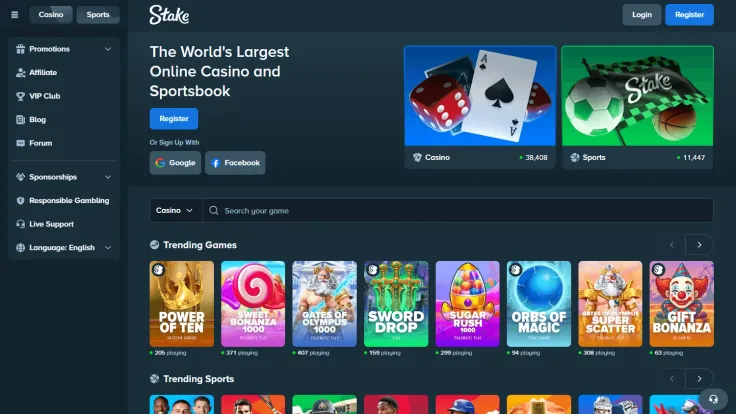
Verifying your Stake Casino account means uploading clear copies of your documents in the account settings, as the steps above show. Verification is required, so get the documents ready before you start and keep them where you can reach them.
The documents listed are Passport, National ID card, Driver's licence and Proof of address. Check each one before you upload it: the copy should be sharp, complete and easy to read. A few minutes spent preparing the files saves you from uploading the same document twice.
What stands behind the steps

The documents on the list do different jobs. A passport, a national ID card or a driver's licence shows who you are. Proof of address shows your address. Each one needs to be a clear, complete copy, because a person or a system has to read every detail on it.
A few habits make the process smoother. Photograph or scan each document in good light, with every corner visible and every line of text readable. Avoid glare from a flash or a window, because it can hide the very details that need to be read. Make sure the name on each document is the name on your account, written the same way.
Use the same details across your account and your documents. If your address has changed, update your account before you upload proof of address, so the two match. A mismatch between what you entered and what the document shows is an easy thing to avoid and a slow thing to fix.
Which document to upload first is up to you, but it helps to have all of them on your device before you begin, so you can work through the steps above in one sitting.
If you are new to Stake Casino, the sign up page explains how to create the account first. Once your account exists, the login page covers getting back into it.
18+ · T&Cs apply
When something goes wrong

If a document is rejected, check the copy first. Is it clear and complete, and is it one of the types on the list? Upload a better copy rather than the same file again. If the upload itself fails, try a different file or a different connection before you contact anyone.
If you forget your password, the login page explains the steps. Only ever enter it on Stake Casino's own website.
If a payment does not go through or a withdrawal takes longer than you expected, check that the details on your account match your documents. The withdrawals and deposits pages explain those processes in more detail.
For anything you cannot fix, contact support. It is available 24/7 through live chat and email, and there is no phone line. Describe what you tried and what happened, name the document involved and keep the file ready to send again if asked.
Keep your account safe
Enter your password only on Stake Casino's own website, never on a page you reached from a message or another site. Do not share your documents or your login details with anyone who contacts you out of the blue.
Keep the documents ready on your device so you do not have to look for them at the last minute, and delete copies you no longer need from shared folders or messaging apps. Use a private connection when you upload them, not public wifi, because the files carry your personal details. If you ever send a document to support, do it only through the live chat or email channels through the support channels you reached from Stake Casino's own website.
Set a deposit limit in your account if the account offers one, so your spending stays within what you decided in advance. The safer gambling page explains the tools you can use.